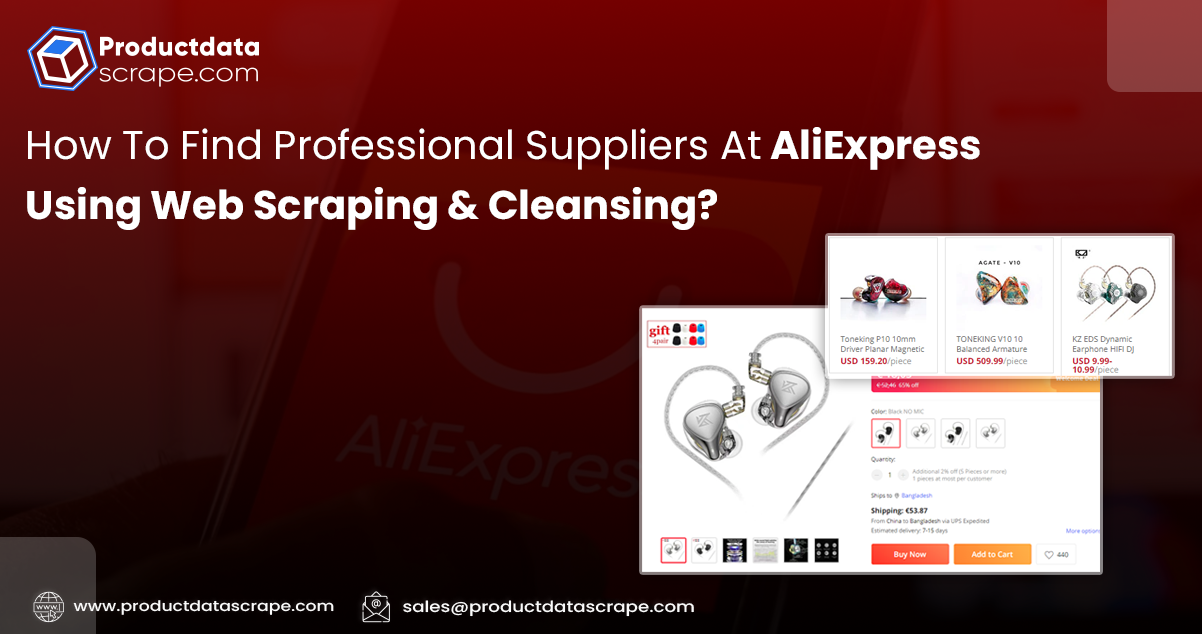
AliExpress is another eCommerce platform to grow the product-selling business. But it is great to collaborate with suppliers to succeed in the industry. Did you know how to find reliable suppliers to deliver products to your customers on the AliExpress platform?
There are multiple ways to find suitable suppliers on the platform, and e-commerce data scraping is one of them. In this post, let's find out how to discover these supplies using web scraping and cleansing.
We will explain the process with an example of a toy car with AliExpress data scraping, including products, suppliers, ratings, sold item count, and other data from the AliExpress platform. Then, we will use QuickTable to filter and clean the data according to your custom requirements for selected ratings and average prices of all suppliers.
Once you get the cleaned data from the platform, you can select the best supplier for your e-commerce business operations.
Why Scrape AliExpress Product Data?
There are over a hundred million products listed on the platform. You can find any product for your daily needs here, including clothes, mobile phones, surveillance devices, toys, and more. You can scrape e-commerce data, like supplier information, ratings, prices, and reviews, from Shopify or Amazon.
The e-commerce platform has unique features others don't have, to monitor product sales. You can find it valuable to find potential product suppliers, discover the latest trends in the market, and develop the market and product understanding.
Use Product Data Scrape for AliExpress Data Extraction
To scrape AliExpress product data, you can use our customized data scraping solution. Further, you can use our tool, which doesn't need code to collect e-commerce data from the AliExpress platform. If you are a newbie on our platform, you must create an account with the required credentials and sign in.
A: New Project Creation
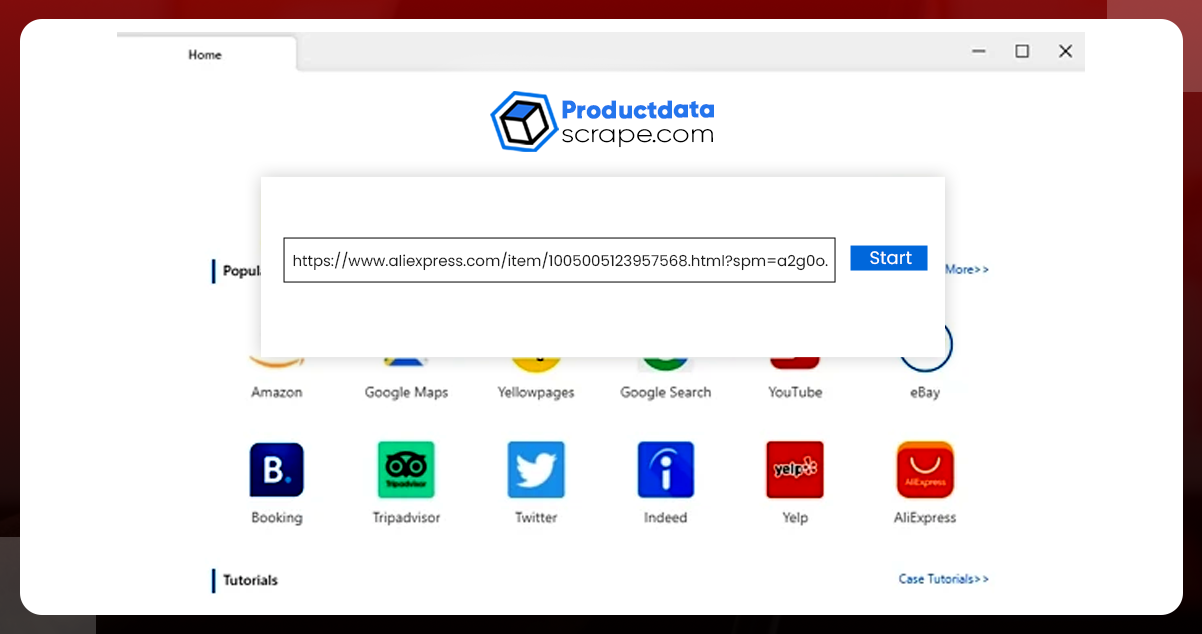
Put the selected URL in the search option and tap the Start button. Then, the scraper will crawl the page in our built-in web browser within seconds.
You can use this type of URL to Scrape product data from AliExpress:
https://www.aliexpress.com/wholesale?catId=0&initiative_id=SB_20221122192506&SearchText=toy+car&spm=a2g0o.home.1000002.0&dida=y
B: Select the Required Data From the Loaded Page
1. Click on the autodetect data webpage data option from the panel for Tips. Then our tool will check the entire page and display the data preview. The tool will highlight the discovered data from AliExpress in red color.
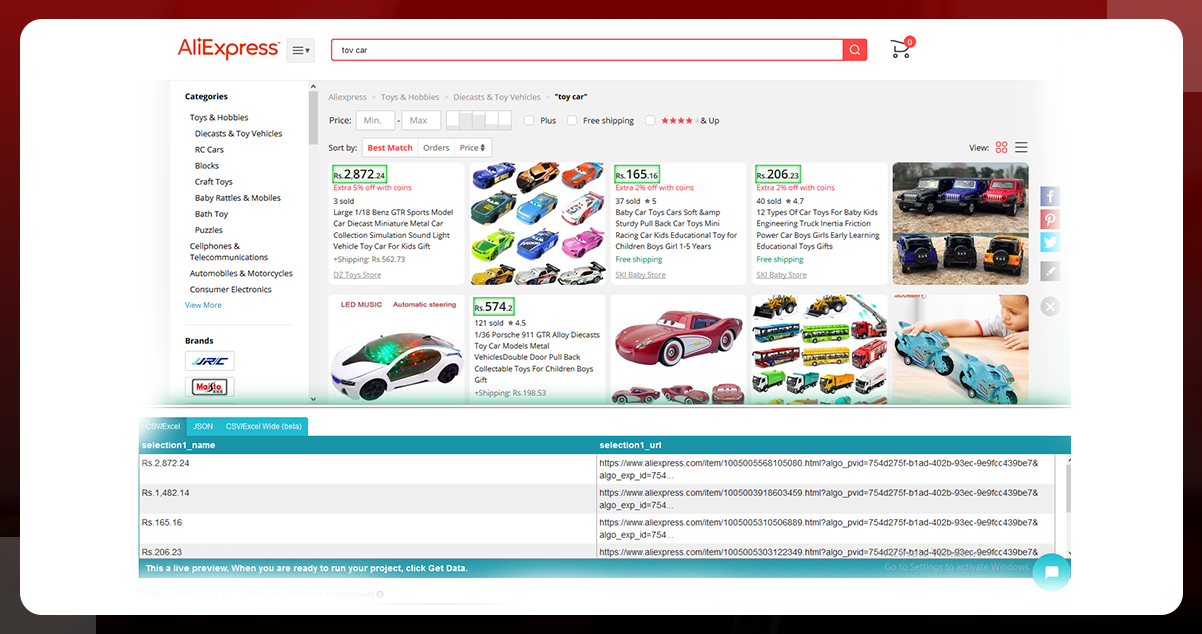
2. Scroll to the bottom of the page to see the data preview. Here, we will keep column names such as product link, sold, price, supplier, and rating for future applications. You can discover the correct location of every data field after clicking on the data field name. Then, select the unwanted data and change the selected fields' names according to your preferences.
Note:
The approach of automatically detecting data is the prediction of required data. If you fail to get the required data using automatic detection, choose the data field manually with available guidelines on the panel for Tips.
C: Develop and Customize Data Scraping Workflow
Once you select the required data, you can click the Create Workflow button. Then, you'll see the created workflow in the sidebar on the screen. You can review it and make necessary changes to scrape AliExpress product data accurately without any disturbance.
D: Execute the Project and Download the Collected Data
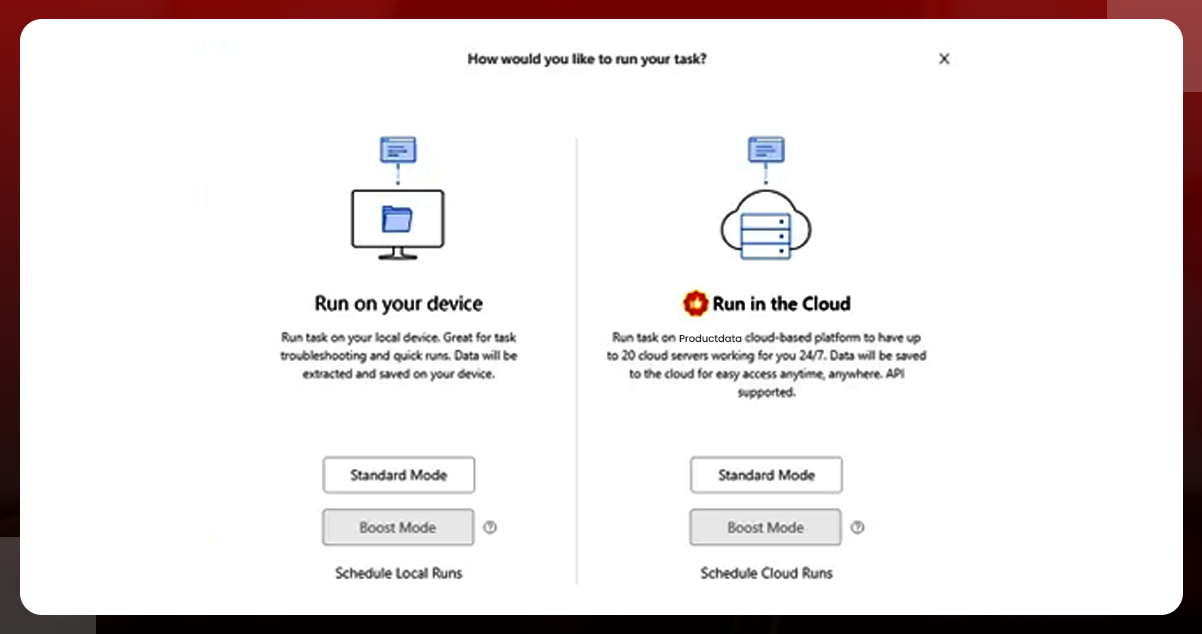
After following the above steps, click the Run button to collect selected data. You have to finalize the server location to execute the project. The options are your device and a cloud server, with boost and standard modes. After selecting the mode and location of your choice, our tool will do the remaining job for you. After finishing the project, download the collected data in a CSV format.
Cleanse, and Study Scraped AliExpress Data using QuickTable
Once you see the downloaded dataset file, you'll not find it suitable for your requirements. You'll need to remove unwanted data and clean it for further analysis. For cleaning the data, we'll use tools like QuickTable, which can clean the complex data at scale.
Clean Data
Step A: Import the dataset and set up a new task.
If you have not used QuickTable, create an account and log in with the required credentials. Then set up a new task, Toy Car Data Analysis from AliExpress, and import the dataset into the task log. Once you import the data, open the file and tap the Save Task option.
Step B: Keep the required columns and rename them
Delete unwanted columns and keep mgxne1, mgxne2, Title_URL, expam, ox0kz, etc. After filtering columns, rename them according to your choice.
Step C: Retrieve the Price Data
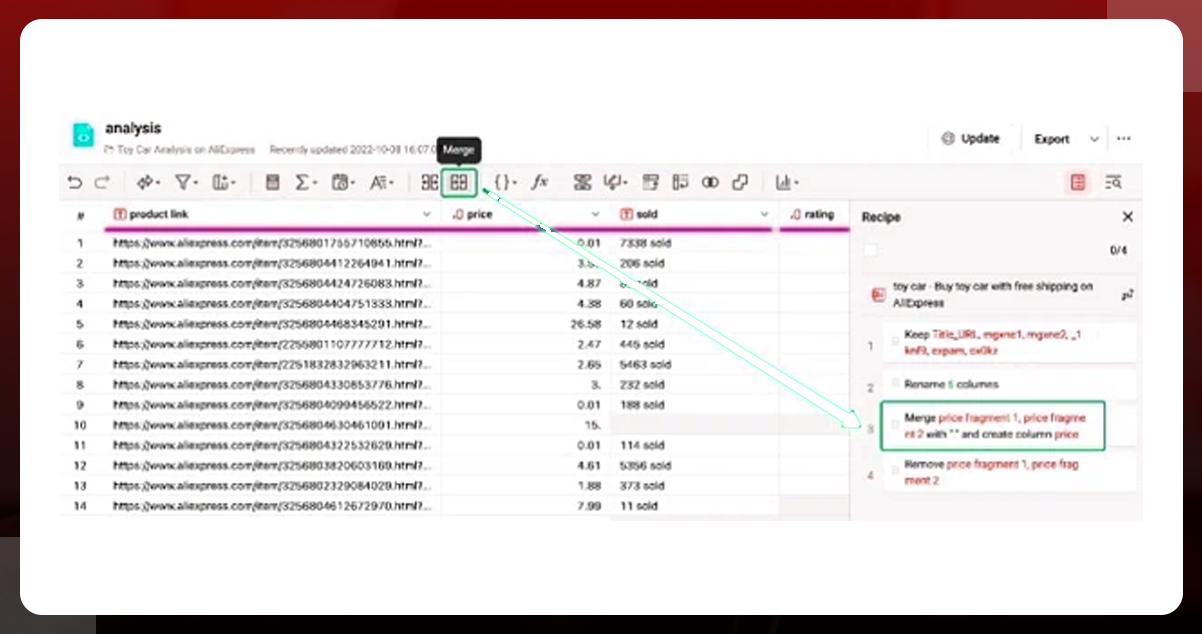
You might have observed the split in price columns improperly in your data file. It is due to the dot between price values on the official website. To modify these prices, utilize the Merge option from the QuickTable tool and merge two price columns to get the correct prices in the output column.
Step 4: Scrape Sold column to collect number values
If you observe the sold column again, you'll find the data in string data format; You can't directly use it for calculations. Hence you've to extract the numbers before doing any calculations. To extract number values to the new data column, use the Text->Substring->Extract number function. Later, select the initial column, and change the name of the latest column with the Sold name.
Study the Cleaned Data
You have filtered data. You can analyze it using numerical insights. You can observe an AliExpress supplier may sell multiple products. So, you will categorize them using Group By for categorization.
Do the necessary calculations refer to the screenshot to fetch the rating, average product price, and total product sold count? Click the Save button, and get the three-column output.
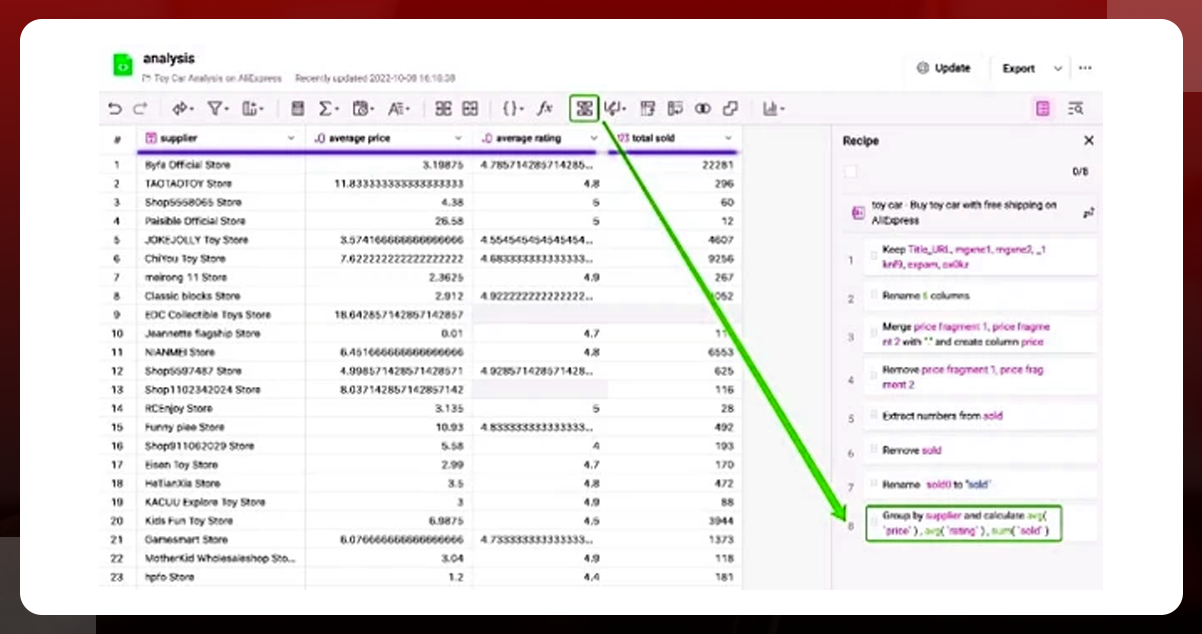
Now, you can select a suitable supplier for your products. You can consider the product prices of those suppliers, their average ratings, and sales generated. Further, You can review their reputation on the platform.
Conclusion
These are the steps to find suitable suppliers on the source platform AliExpress using our ecommerce scraping services and cleansing. You can follow them and find a reliable supplier to sell your product on AliExpress. Contact Product Data Scrape to learn more about our AliExpress data scraping services.



 Singapore
 EMAIL
EMAIL
 PHONE
PHONE










.webp)