Introduction
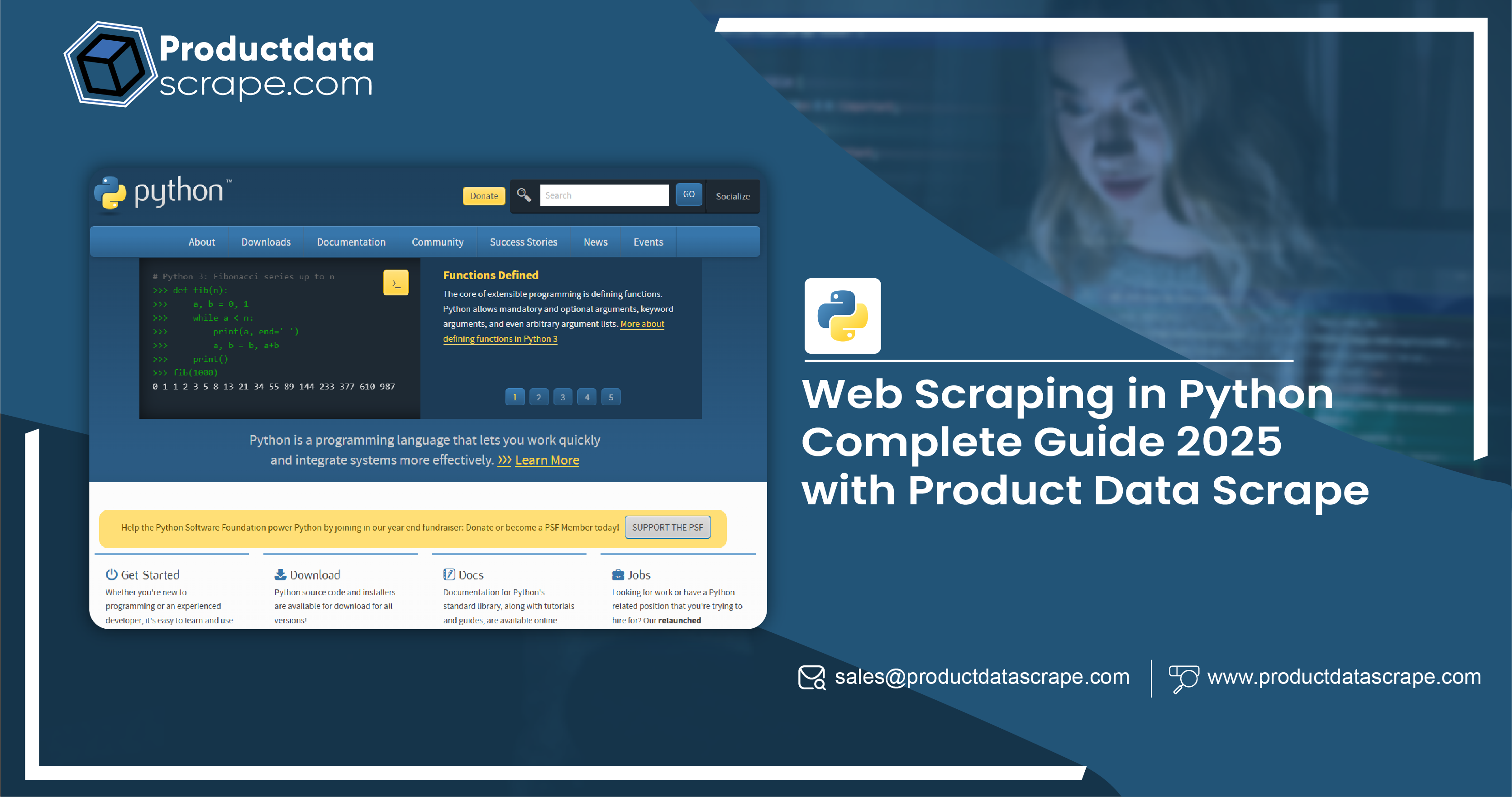
Web scraping is the automated process of extracting data from websites. In 2025, Python remains the dominant language for web scraping, thanks to its powerful libraries and frameworks that streamline data extraction tasks. Product data scraping, in particular, is essential for e-commerce businesses, researchers, and marketers who need to track prices, reviews, specifications, and other product-related details. This guide covers how to effectively scrape product data using Python, including necessary tools, libraries, and practical tips.
Understanding Web Scraping
Before diving into the technical aspects of web scraping, it’s crucial to understand the fundamental concepts involved:
- HTML Structure: Web pages are structured using HTML, which is made up of elements like tags, classes, and IDs. These elements are used to structure content such as product names, prices, and descriptions.
- Web Scraping vs. Web Crawling: While web scraping focuses on extracting data, web crawling involves systematically browsing and indexing web pages. Crawling is often the first step in a scraping process.
- Legal and Ethical Considerations: Scraping is legal as long as it doesn’t violate website terms of service or copyright laws. Always check the site's robots.txt and terms before scraping.
Key Python Libraries for Web Scraping
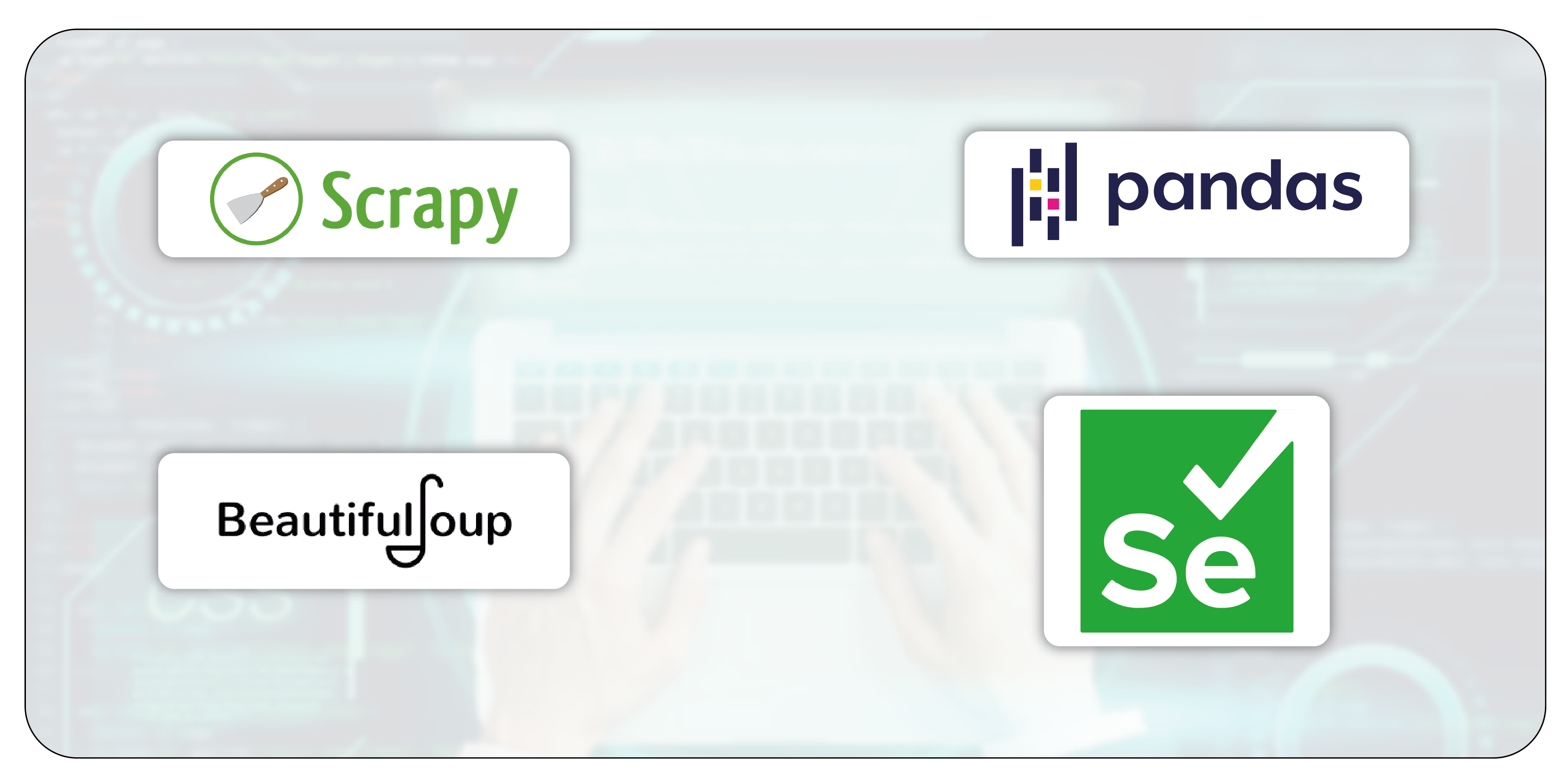
Python offers several libraries designed to facilitate web scraping. Here are some of the most popular ones:
- Requests: This library is used to send HTTP requests to a web server and retrieve web pages.
- BeautifulSoup: A powerful library for parsing HTML and XML documents. It makes navigating and searching the document structure easy.
- Selenium: Selenium is ideal for websites that use JavaScript to load content. It allows for browser automation and interaction with dynamic content.
- Scrapy: A robust framework for large-scale scraping. Scrapy allows you to handle requests, parse data, and store results efficiently.
- Pandas: After scraping the data, you can use Pandas to clean and analyze it, especially when working with tabular data like product prices and reviews.
Setting Up Your Environment
Before starting the scraping process, you need to set up your development environment:
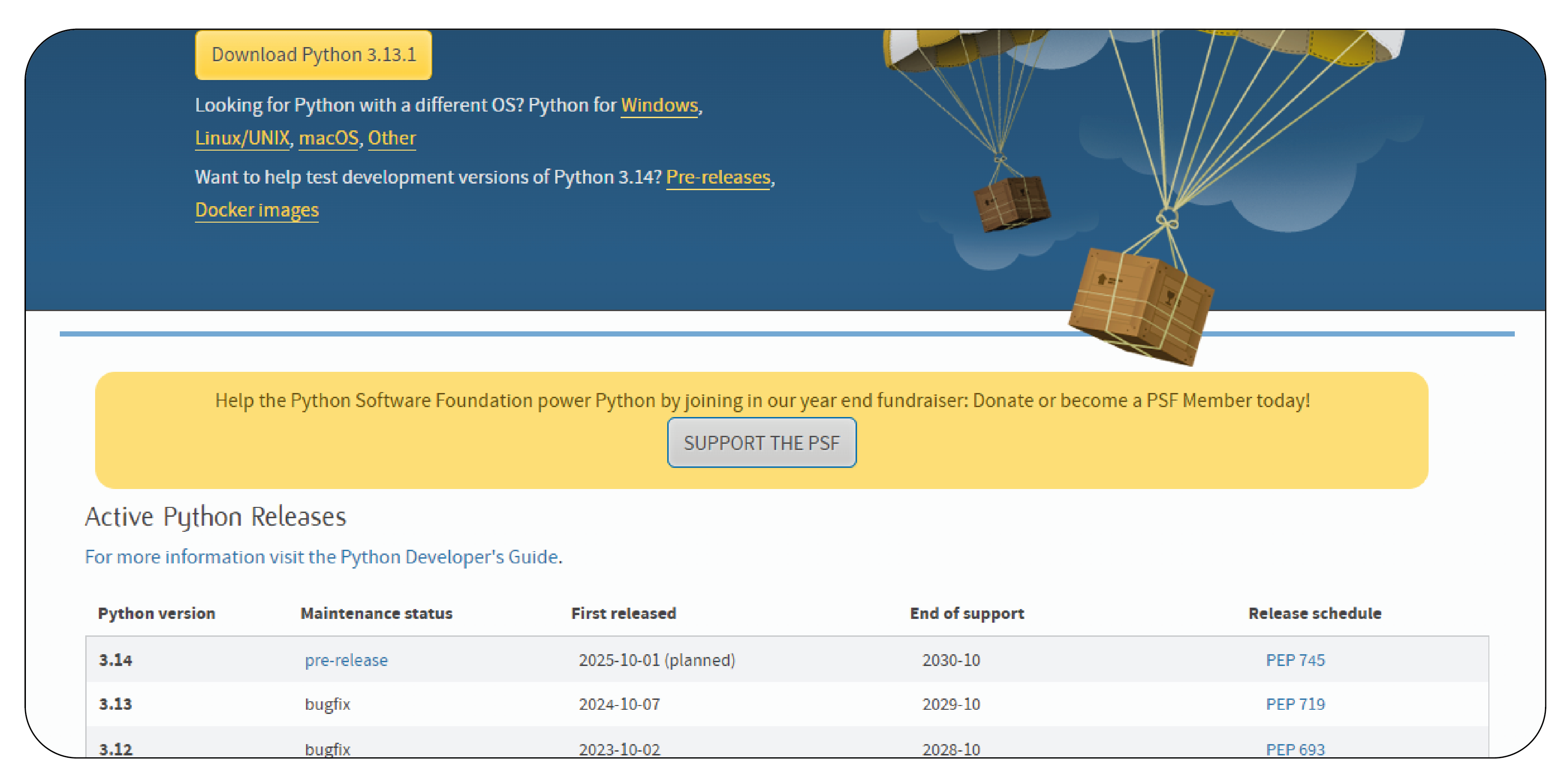
1. Install Python: Ensure you have Python 3.x installed. You can download it from python.org.
2. Create a Virtual Environment:
python -m venv scrape_env
source scrape_env/bin/activate  # On Windows, use scrape_env\Scripts\activate
3. Install Required Libraries: You can install the necessary libraries using pip:
pip install requests beautifulsoup4 selenium pandas scrapy
Basic Web Scraping with Requests and BeautifulSoup
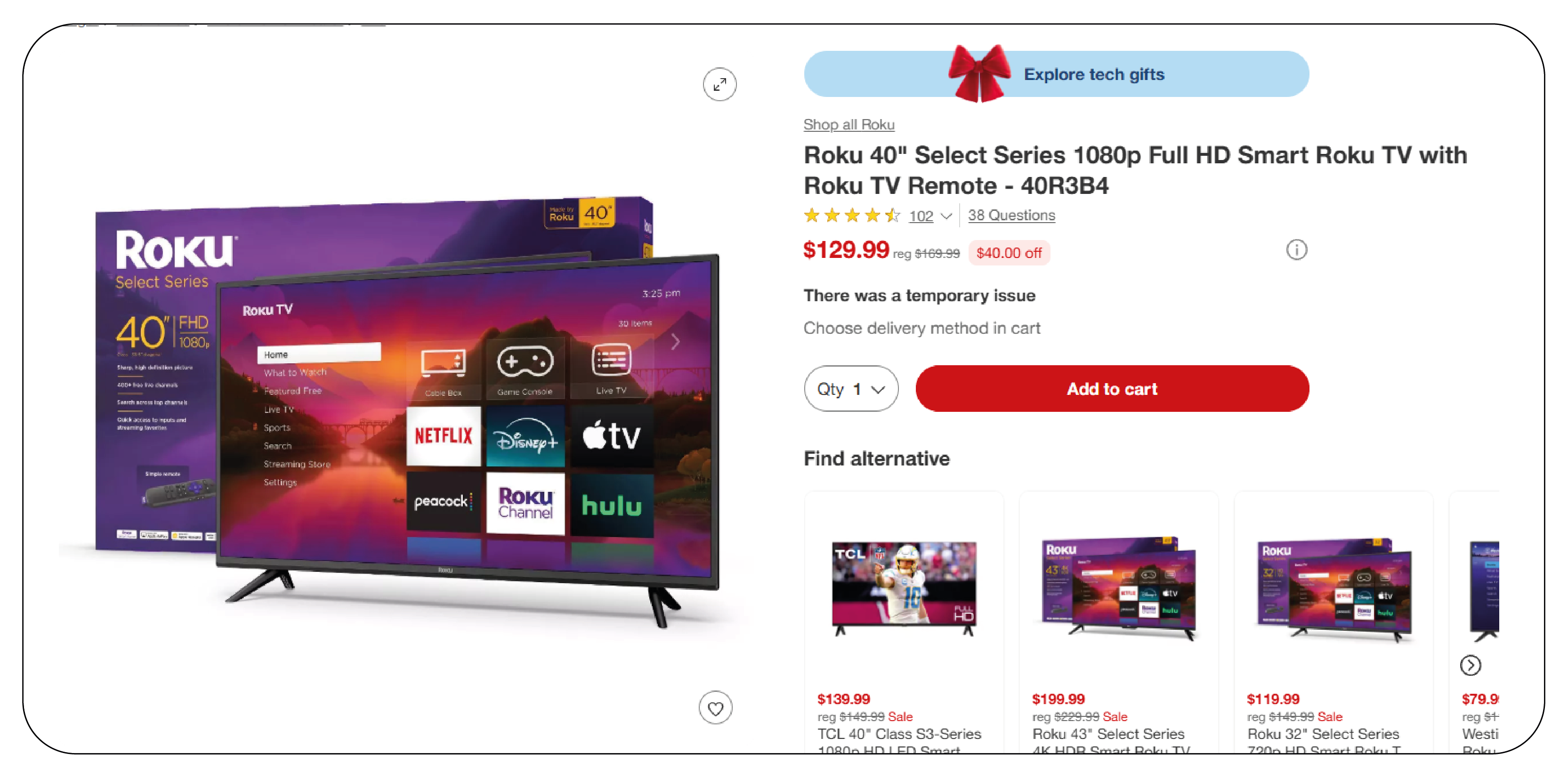
Let’s start by scraping product data from a static website using the requests and BeautifulSoup libraries. The process involves sending an HTTP request to a website, parsing the HTML response, and extracting the relevant product information.
Example: Scraping Product Information
Scraping Dynamic Content with Selenium
Some websites use JavaScript to load product data, making it difficult to scrape using traditional methods. Selenium allows you to interact with these websites as if you were using a browser, enabling you to extract data even from dynamically loaded content.
Example: Scraping Dynamic Content
Using Scrapy for Large-Scale Web Scraping
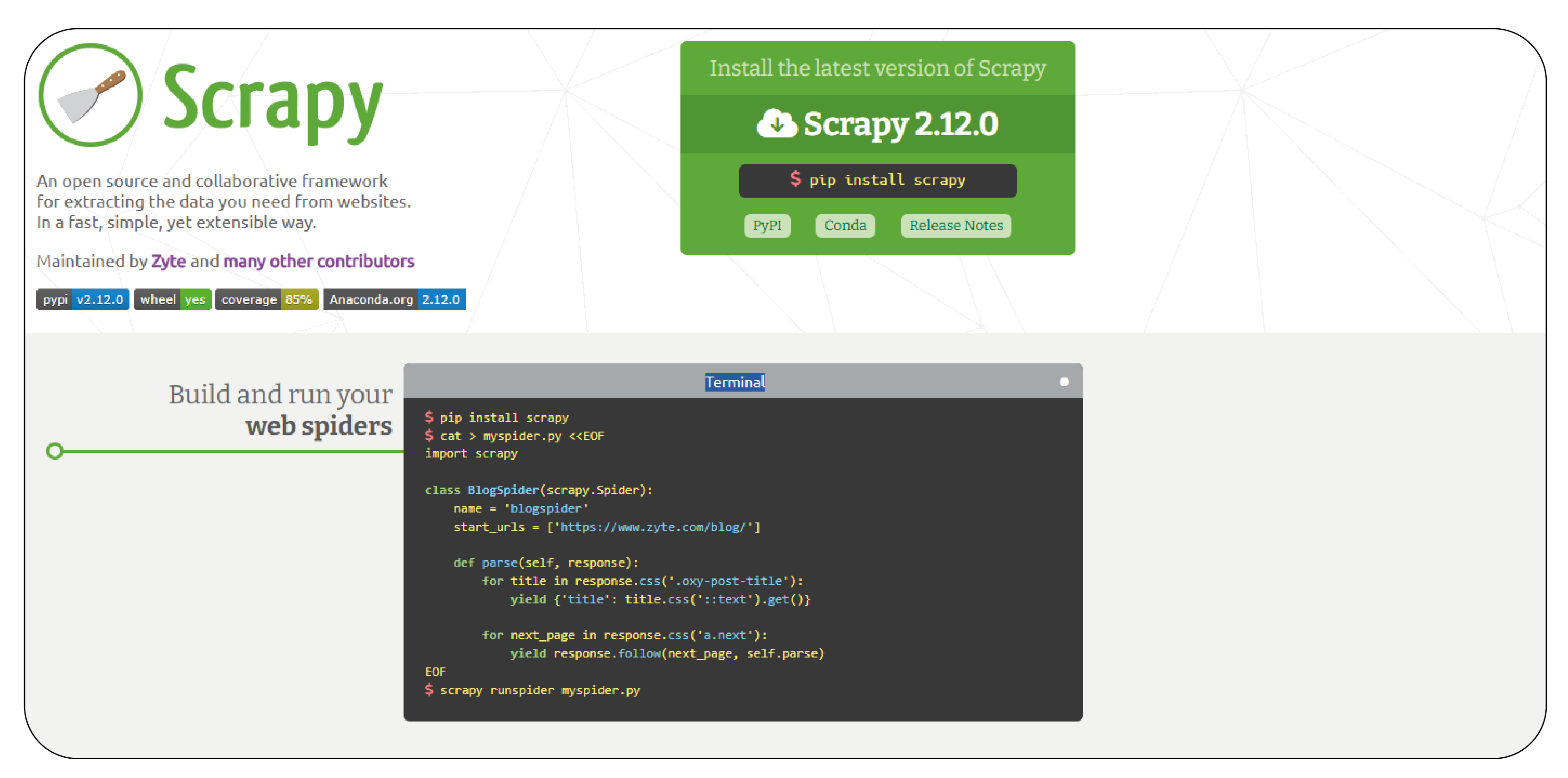
When dealing with large-scale web scraping tasks, Scrapy is a more efficient solution. It’s a full-fledged framework for scraping and processing data, designed to handle requests asynchronously, making it faster and more scalable.
Example: Scraping with Scrapy
First, create a Scrapy project:
scrapy startproject product_scraper
cd product_scraper
Then, create a spider to scrape product data:
Run the spider:
scrapy crawl products -o products.json
Storing and Analyzing Scraped Data

Once you’ve scraped the data, you can store it in various formats like CSV, JSON, or a database. Pandas is an excellent tool for analyzing and cleaning the data.
Example: Storing Data in a CSV File
Example: Analyzing Product Data
You can also perform data analysis on the scraped product data:
Advanced Techniques
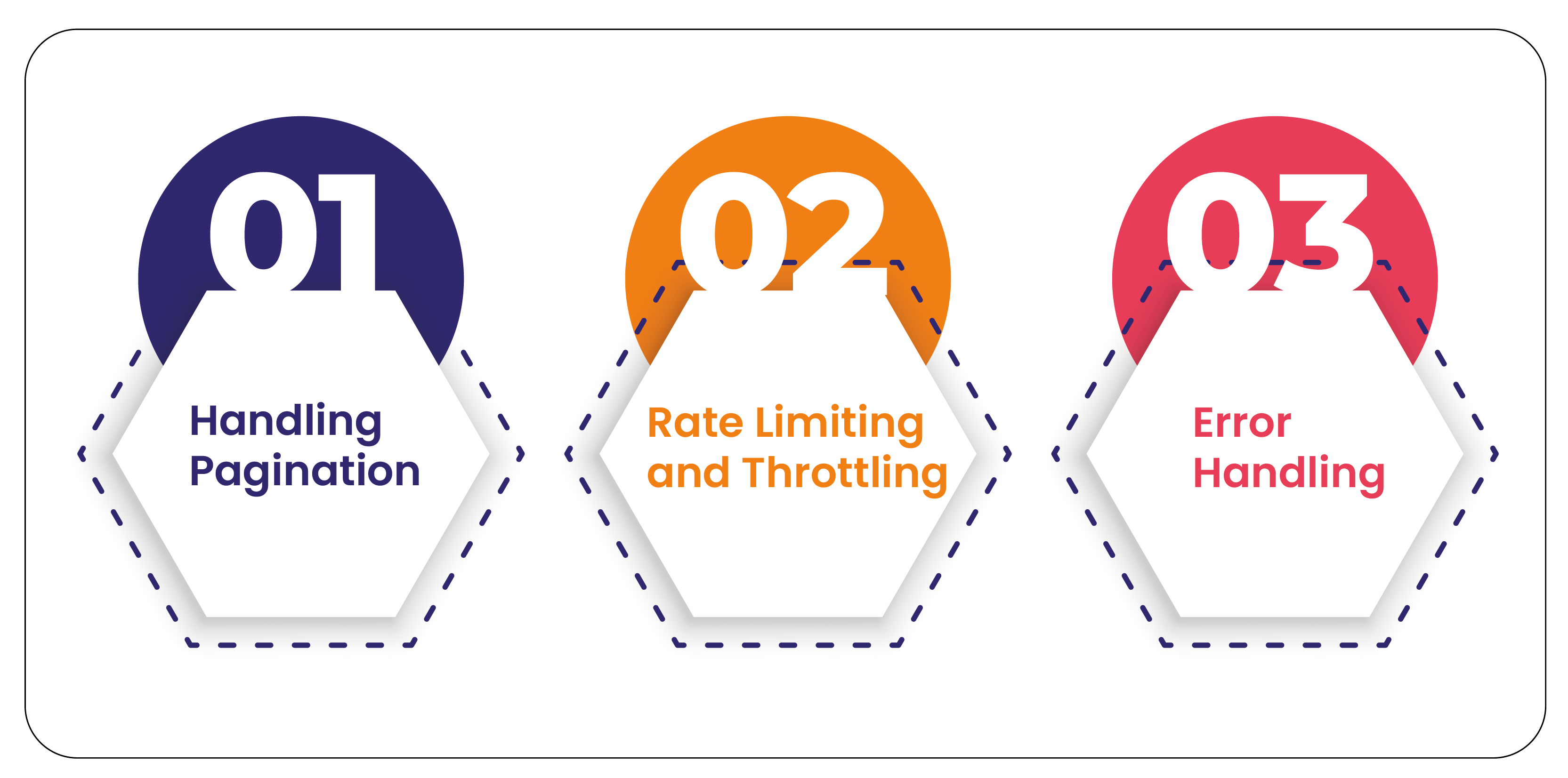
Handling Pagination: Many product listings span multiple pages. You can handle pagination by iterating over page links and scraping data from each page.
Rate Limiting and Throttling: To avoid overwhelming the website or getting blocked, use techniques like rate limiting, adding delays between requests, and using proxy servers.
Error Handling: Implement robust error handling to manage issues such as failed requests, missing elements, or broken links.
Best Practices
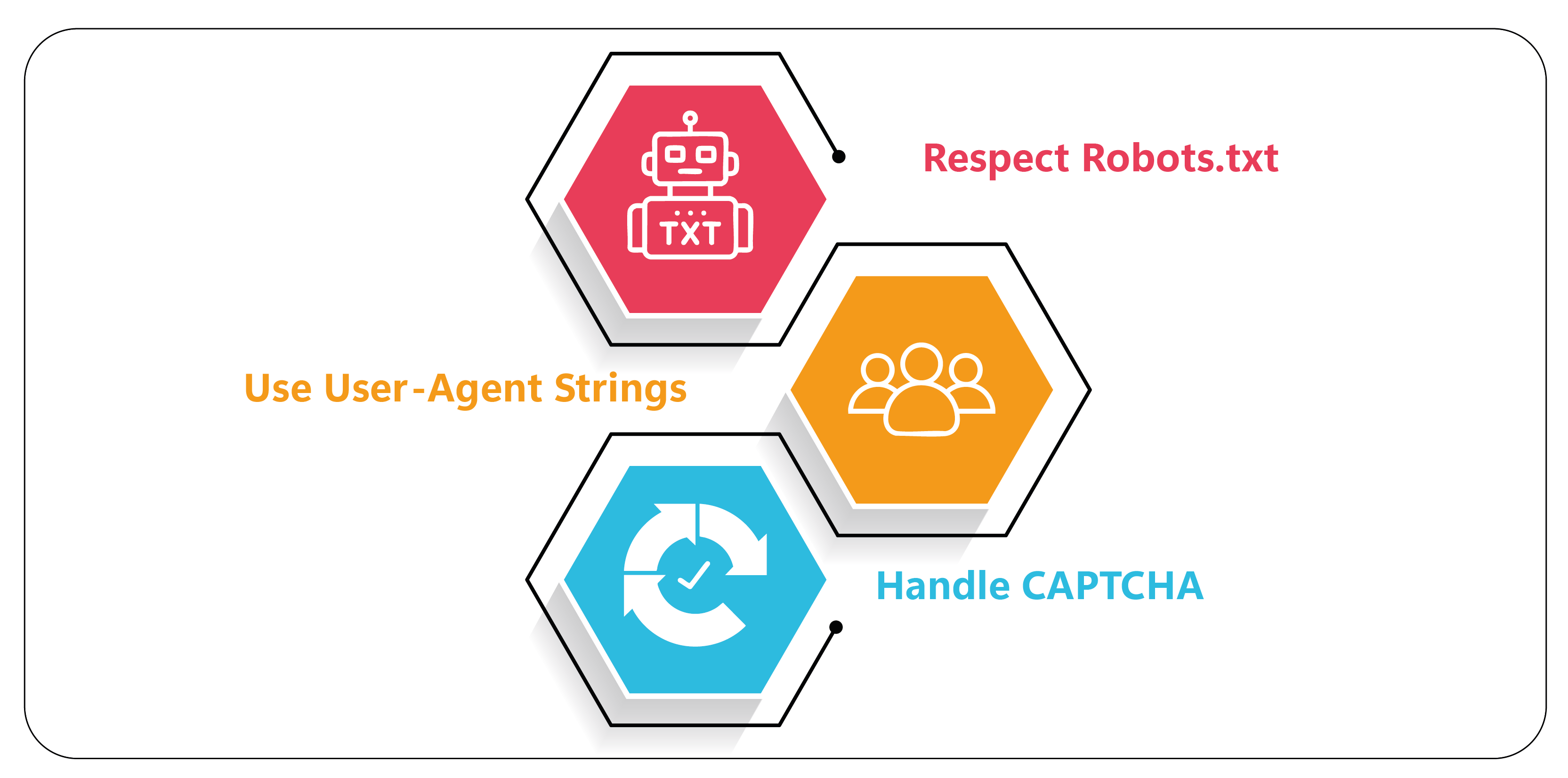
- Respect Robots.txt: Always check the robots.txt file of a website to ensure you're allowed to scrape it.
- Use User-Agent Strings: Mimic browser requests by setting a user-agent header to avoid getting blocked.
- Handle CAPTCHA: Some websites use CAPTCHA to prevent scraping. Tools like 2Captcha can help solve CAPTCHAs automatically.
Conclusion
Web scraping in Python has evolved significantly and remains a crucial skill for data extraction. With the help of libraries like Requests, BeautifulSoup, Selenium, and Scrapy, it’s possible to scrape product data from a wide variety of websites. By following best practices and using the right tools, you can efficiently gather product data for e-commerce analysis, market research, and more in 2025.


 Singapore
 EMAIL
EMAIL
 PHONE
PHONE











.webp)